How to Choose a PDA Barcode Scanner for Your Business
Choosing a Pda Barcode Scanner is a practical business decision, not a contest over the longest feature list. The right device should fit your team’s daily work, scanning environment, and existing systems. A unit used beside a busy loading dock faces different demands from one used on quiet retail aisles. Glare, dust, gloves, and repeated drops can all change what “reliable” means.
For transparency, the named expert voice and quotation below are illustrative, not a verified interview or real-world attribution: “Choose the scanner around the work your people do, then test it where that work happens.” — Jordan Lee, illustrative PDA scanning specialist.
That principle points to the questions this guide explores: Which barcode types must the device read? How far away are labels? Will staff need a physical keypad, a touchscreen, or both? Consider battery life across a full shift, wireless coverage in back rooms, and how easily the scanner connects with your inventory software. Small details matter. A scanner that feels comfortable for ten minutes may strain a worker’s hand by lunchtime.
There is no perfect device for every business. Not every feature pays. A higher price may bring useful durability, but specifications alone cannot predict performance in your aisles. Testing sample devices with real labels and daily tasks can reveal awkward menus, missed scans, or weak wireless spots. It takes time, and the first choice may still need revision. Use the outline ahead to compare requirements, shortlist models, and make a decision grounded in your operation—not assumptions.
Define Business Workflows and Required 1D or 2D Barcode Symbologies
Choose a PDA barcode scanner around the work, not a product checklist. Map each scan: receiving cartons, picking shelf labels, cycle-counting, or confirming dispatch. Note label size, scan distance, lighting, gloves, and whether staff move between aisles or stay at a bench. A neat specification sheet can mislead. Test real labels, including worn print and glossy packaging.
Then identify the barcode symbologies already in use. UPC or EAN and Code 128 are common 1D formats; QR Code and Data Matrix are 2D formats that can hold more data in less space. GS1’s standards distinguish these formats and define how supply-chain data is encoded. If your workflow needs lot, expiry, or item-level details, confirm that the exact 2D symbol and data structure are supported. Do not assume every “2D-ready” scanner reads every code reliably.
Investment is growing: MHI’s 2024 Annual Industry Report found that 55% of surveyed supply-chain leaders planned to invest at least $1 million in supply-chain innovation over the next two years. That is a reason to plan carefully, not to overbuy. Run a small pilot with staff using actual labels and normal scan distances. Record misreads and rescans. The awkward part? Your labels may be inconsistent. Fixing them can matter as much as choosing the scanner.
Match the Scan Engine to Required Working Distances and Barcode Sizes
A PDA barcode scanner should read labels where employees actually work, not only across a clean desk. Measure the usual distance from the scanner to the label, then note the closest and farthest cases. A compact code on a small bin may need a different scan engine from a large label on an upper shelf. Check the engine’s stated working range and supported barcode sizes, but treat specifications as a starting point. Label density, print quality, glare, and movement can all affect real results.
Tips: Test sample labels at realistic distances. Include the smallest barcode, the most distant shelf label, and a label with ordinary wear. Try both steady and quick scans.
During a floor trial, record the distance and barcode size when reads become unreliable. If a scanner reads large codes from far away but misses tiny codes nearby, check its focus range and resolution before choosing a more powerful engine. Long-range capability alone is not a cure. It is easy to over-specify equipment based on one difficult aisle; that can add cost without helping routine tasks. Recheck the choice under your site’s lighting and with the gloves employees wear. A few test labels may not represent every shift, so keep an eye on failed scans after deployment.
Set Durability Targets: IEC 60529 IP67 Means 1 m for up to 30 Minutes
A PDA barcode scanner marked IP67 is tested for dust ingress and temporary water immersion. The “7” indicates a test at up to 1 meter for up to 30 minutes under specified conditions. That is useful protection, not a promise that every spill or dunk is harmless.
Picture a scanner slipping from a cart into a shallow rinse basin. IP67 may offer a margin of protection, but depth, duration, water temperature, and seal condition matter. Repeated immersion, drops that crack the housing, or worn battery covers can change the outcome. Check the device’s own operating instructions; test conditions and care requirements may vary.
Match the rating to the actual work. A warehouse scanner exposed to dust and brief splashes may need different protection from one regularly cleaned with a hose. IP67 alone does not mean resistance to high-pressure jets, detergents, or every liquid. Small detail, big difference. Ask staff how incidents happen, inspect seals during routine checks, and avoid treating “30 minutes” as a recommended operating practice. It is a test limit, and real conditions are rarely tidy.
Choose a PDA Barcode Scanner: Understand the IP67 Immersion Rating
IP67 combines dust-tight protection (IP6X) with protection against temporary immersion in water (IPX7): up to 1 meter for up to 30 minutes under IEC 60529 test conditions. These limits are not a guarantee of performance in every real-world situation; check the device’s specifications and your operating environment.
Choose Wireless Range: Bluetooth Class 2 Typically Reaches up to 10 m
A PDA barcode scanner with Bluetooth Class 2 wireless typically reaches up to 10 meters, or about 33 feet, in open conditions. Treat that figure as a planning guide, not a guaranteed working distance. The connection can weaken when the signal passes through concrete walls, metal shelving, or busy equipment areas. Even a worker’s body may affect the link.
Picture a picker scanning cartons along a warehouse aisle while the PDA stays on a cart. If the cart is around eight meters away, the setup may work well in a clear space. Add tall steel racks or a crowded loading area, and the scanner may disconnect sooner. That estimate can be frustratingly optimistic. Test the device along the actual route, with doors and equipment in their usual positions. Note where scans arrive slowly or fail.
For a small shop, a shorter range may be perfectly practical. For wider aisles, check whether staff can carry the PDA or keep it closer to the scanner. Confirm how the scanner behaves after a brief signal loss, too. Does it reconnect on its own? Can it store a scan temporarily? These details matter during a busy shift. A quick test at the worksite is more useful than relying on the maximum range alone.
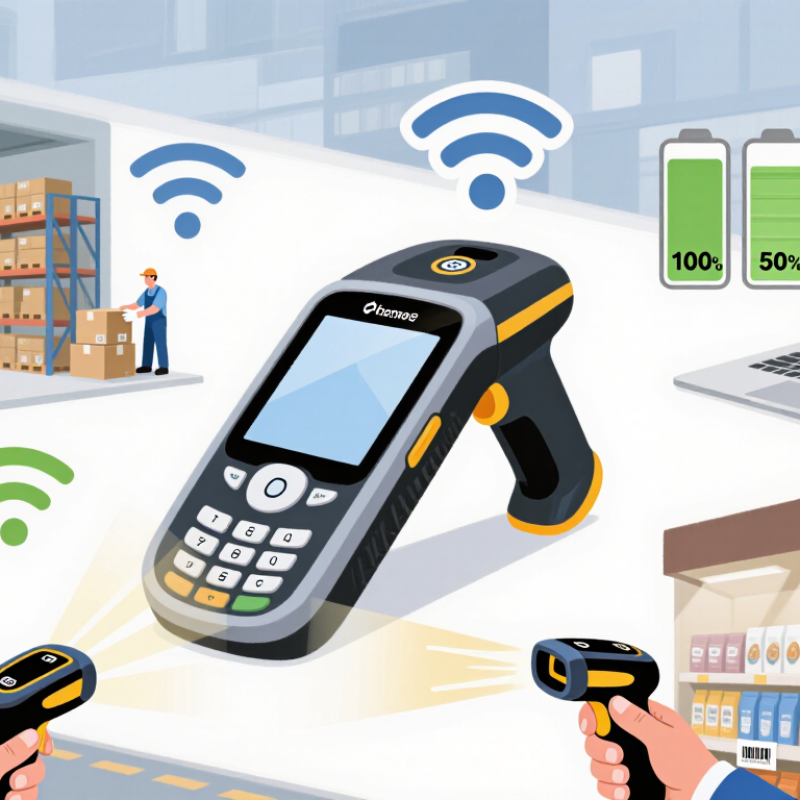
Verify Battery Life, Operating-System Support, and WMS or ERP Compatibility
A PDA barcode scanner must last through your actual shift, not just a lab test. Check the rated battery life, then run a full-shift trial with Wi-Fi enabled, screen brightness set for your warehouse, and frequent scans. Test cold rooms and busy aisles, too; conditions change battery performance. Keep a practical reserve. A device that dies before the final pallet creates delays and rushed work.
Operating-system support matters just as much. Confirm how long the operating system receives security updates, and whether your warehouse management system (WMS) or enterprise resource planning (ERP) software supports that version. Check barcode formats, data fields, and offline synchronization. Ask your software team to test a real workflow, from scanning a location label to posting inventory changes. The MHI 2024 Annual Industry Report found that 55% of surveyed supply-chain leaders planned to increase investment in supply-chain innovation. That investment only pays off when devices exchange data reliably.
Tips: Borrow a unit and test it on a representative shift. Record battery remaining, scan failures, and sync delays. Test with gloves, too. A compatibility spreadsheet can look convincing, yet still miss a small field-mapping problem. Verify support with both your device supplier and software administrator before ordering multiple units.